Back to School SVG Files: Your Complete Guide to Celebrating Every Grade with DIY Crafts
The back-to-school season is a time of fresh starts, new friendships, and proud milestones. Whether your child is entering Pre-K, kindergarten, or proudly joining the Back to School 6th Grade Squad, there's a special kind of joy in marking the occasion with personalized gear and decorations. Digital cutting files—especially SVGs—have revolutionized how parents, teachers, and crafters create custom items for the first day of school. This guide will walk you through everything you need to know about Back to School SVG files for grades Pre-K through 7th grade, from what they are to how to use them with your Cricut, Silhouette, or other cutting machines.
What Are Back to School SVG Files?
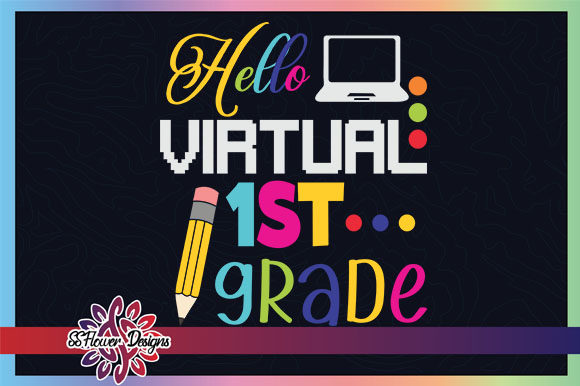
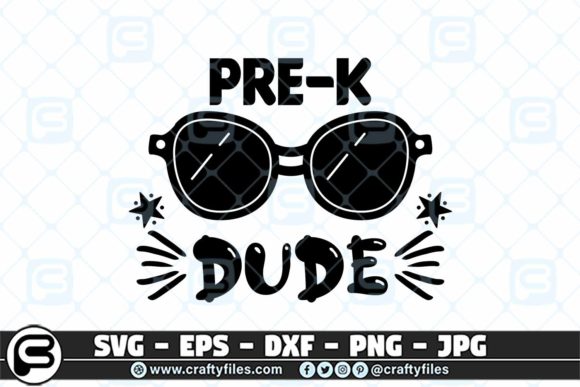
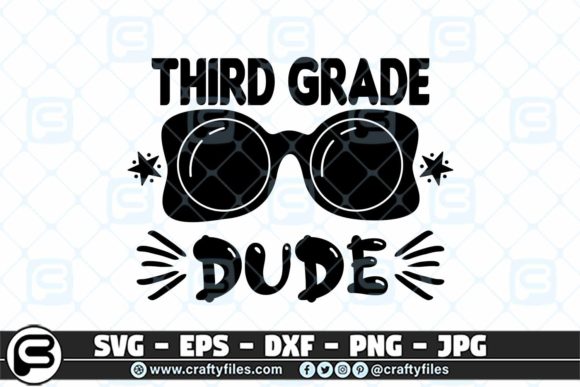
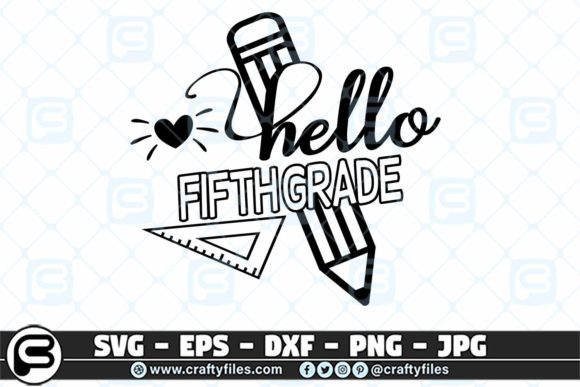
SVG stands for Scalable Vector Graphic. Unlike regular images made of pixels, SVG files are built with mathematical lines and shapes. This means they can be scaled up or down without losing any quality, making them perfect for cutting machines like Cricut and Silhouette. A Back to School SVG is a digital design file that typically includes grade-specific text, school-themed icons like pencils, apples, buses, or chalkboards, and fun phrases such as "First Day of School" or "6th Grade Squad."
These files are not physical products—they are digital downloads that you can use over and over again to create shirts, signs, water bottles, notebooks, and more. When you purchase a set of Back to School SVG files, you usually receive a ZIP folder containing multiple file formats: SVG, EPS, PNG, DXF, and JPG. Each format serves a different purpose, but the SVG file is the star for cutting machines.
Why Choose Digital Cutting Files for Back-to-School Crafts?
Personalization is at the heart of modern back-to-school traditions. A store-bought shirt might say "First Day of 3rd Grade," but a custom-made shirt can feature your child's favorite colors, a unique font, or even their name alongside the grade. Digital cutting files give you the freedom to create exactly what you envision. They are also reusable: if you have a child in kindergarten this year and another starting 2nd grade, you can use the files for both—and save them for future years.
Another major advantage is cost. Once you purchase a set of files, you can make as many items as you want for your family, classroom, or small business. Whether you need one shirt for your own child or twenty for a class gift, the price stays the same. This is especially valuable for teachers who want to create matching "Back to School 6th Grade Squad" shirts for their entire class.
Understanding the File Formats in Your Download
When you buy a Back to School SVG bundle, you typically receive a ZIP folder containing five file types. Here's a quick breakdown of what each one is used for:
- SVG file – The primary file for cutting machines like Cricut Design Space and Silhouette Studio. It preserves the vector paths and works beautifully for vinyl, iron-on, and cardstock cutting.
- EPS file – Ideal for professional design software such as Adobe Illustrator, Corel Draw, or Inkscape. If you want to edit the design's colors or shapes before cutting, EPS gives you that flexibility.
- PNG file – A high-resolution raster image (300 dpi) with a transparent background. Use this for print-and-cut projects, digital scrapbooking, or if you want to print the design on transfer paper without cutting.
- DXF file – A format often used for older cutting machines or specific software like Silhouette Studio Basic Edition. It retains the vector paths and works well for many CAD-style applications.
- JPG file – A standard image format for previewing the design or using it in simple printing projects. It has a solid background, so it's less versatile for cutting but useful for quick reference.
How to Use Back to School SVG Files with Cricut and Silhouette
Using SVG files is simpler than many beginners think. Both Cricut Design Space and Silhouette Studio accept SVG files directly. Here's a step-by-step overview to get you started:
- Unzip your downloaded folder. The ZIP file contains all the formats. Extract them to a folder on your computer.
- Open your cutting software. For Cricut, open Design Space. For Silhouette, open Silhouette Studio. If you have the Designer Edition, you can import SVGs natively. The Basic Edition works with DXF files.
- Upload the SVG file. In Cricut Design Space, click "Upload" and then "Upload Image." Choose the SVG file from your computer. The design will appear as a cut-ready image with all layers separated.
- Resize and customize. You can scale the design to fit a shirt, tote bag, or sign. Some files allow you to change colors or add text, but many are ready to use as-is.
- Cut and weed. Load your material—vinyl, iron-on, cardstock—onto the cutting mat. The machine will cut the design. Then you "weed" away the excess material, leaving only your design.
- Transfer or apply. Use transfer tape to move vinyl to your final surface, or use a heat press for iron-on. For paper projects, simply peel and stick.
Grade-Specific Designs from Pre-K to 7th Grade
One of the most appealing aspects of Back to School SVG bundles is that they cover the full spectrum of early education. Parents with multiple children can use a single purchase to create gear for everyone. Let's look at the grades typically included and why each one deserves its own celebration.
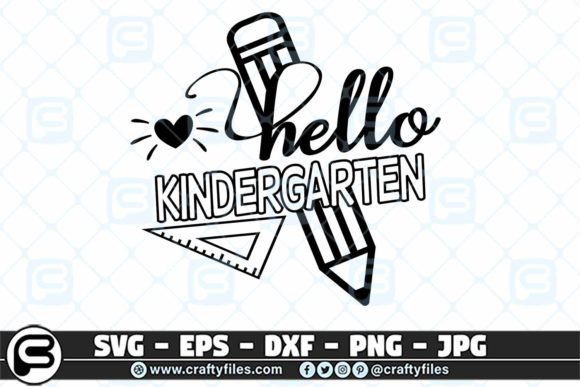
- Pre-K and Kindergarten: These designs often feature playful fonts, crayons, alphabet blocks, and bright colors. The first day of school is a huge milestone for little ones, and a custom shirt helps them feel part of the excitement.
- 1st through 5th Grade: Each grade brings new achievements. Designs for these years often include school supplies, stars, and encouraging phrases. A "1st Grade Rocks" or "4th Grade is My Jam" design is a fun way to build school spirit.
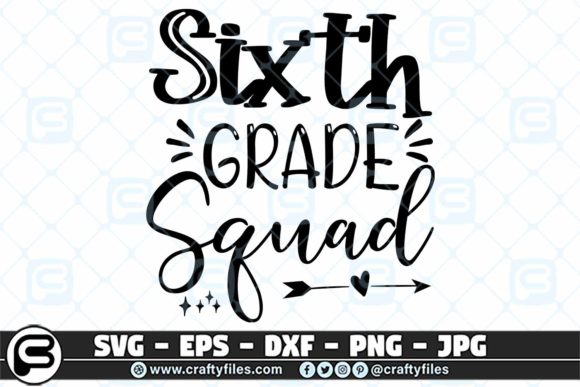
- 6th Grade Squad: The transition to middle school is a big deal. The "Back to School 6th Grade Squad" design celebrates camaraderie and the start of a new chapter. It's perfect for group shirts, locker decorations, or friendship bracelets.
- 7th Grade: Seventh graders appreciate designs that feel a bit more mature but still playful. Look for modern fonts, subtle school motifs, and phrases that acknowledge their growing independence.
Beyond Shirts: Creative Project Ideas
While t-shirts are the most popular application for Back to School SVGs, your creativity doesn't have to stop there. Here are several other ways to use your digital files:
- Water bottles and lunchboxes: Use permanent vinyl to personalize stainless steel bottles or plastic lunch containers. The design will hold up to daily use and washing.
- Classroom signs and banners: Create a "Welcome to 2nd Grade" banner for the classroom door or a photo booth sign for first-day pictures.
- Notebooks and folders: Cut iron-on vinyl for fabric-covered notebooks, or use adhesive vinyl for plastic folders. Students love having unique supplies.
- Pencil cases and backpacks: Add a grade-specific design to a plain pencil case or backpack to make it instantly recognizable.
- Gift tags and party decor: Hosting a back-to-school bash? Use SVG files to create matching napkins, cupcake toppers, and treat bags.
- Teacher gifts: Create a "Best Teacher Ever" mug or tote bag using the same school-themed motifs. Pair it with a grade-specific design for a personal touch.
Common Misunderstandings About SVG Files
Even experienced crafters sometimes have questions about SVG files. Let's clarify a few common points:
Myth: SVG files are the same as PNG or JPEG.
Not exactly. While PNG and JPEG are raster images made of pixels, SVG is a vector format. This means SVG can be infinitely resized without blurring, making it the best choice for cutting machines. PNG is great for printing, but for clean cuts, use SVG.
Myth: You need special software to use SVG files.
Actually, most modern cutting machine software accepts SVG natively. Cricut Design Space and Silhouette Studio (Designer Edition) both import SVG files directly. Even the free version of Silhouette Studio can use DXF files, which are included in your download.
Myth: Digital files are physical products.
No, a digital download is a set of instructions for your machine. You receive the files, not a finished item. You supply the materials—vinyl, shirts, transfer tape—and your machine does the cutting. This is why you can use the same file unlimited times.
Tips for Getting the Best Results
To make your Back to School projects look professional, follow these practical tips:
- Use high-quality vinyl. Cheaper vinyl can crack or peel after a few washes. Invest in reputable brands for iron-on and adhesive vinyl.
- Mirror your design for iron-on. When cutting heat transfer vinyl, always mirror the image in your software before cutting. Otherwise, your text will appear backward.
- Weed carefully. Use a weeding tool to remove small pieces inside letters like "a" or "e." Go slowly to avoid tearing the design.
- Test your settings. Every material works best with specific blade pressure and speed. Run a small test cut before committing to a full sheet.
- Layer wisely. Some designs have multiple colors. Cut each color separately and layer them on your project for a professional multi-color look.
The Role of Back-to-School SVGs in Modern Creativity
Digital cutting files are more than just a convenience—they represent a shift in how families celebrate milestones. Instead of relying on generic store-bought items, parents and teachers can craft meaningful, personalized keepsakes that reflect a child's personality and the excitement of a new school year. The Back to School SVG movement also fosters creativity in children, who can choose their favorite designs and even help with simple steps like weeding or pressing a shirt.
For small business owners, SVGs open up a world of opportunity. Many crafters sell finished shirts, signs, and accessories at local markets or online shops. A single bundle of Back to School SVG files—covering Pre-K through 7th grade—can become the foundation of a profitable back-to-school product line. The high demand for grade-specific designs, especially the popular "Back to School 6th Grade Squad" theme, makes this niche both fun and financially rewarding.
Final Thoughts on Choosing and Using Back to School SVG Files
Whether you are a seasoned crafter or a parent making your first custom shirt, Back to School SVG files offer an accessible, affordable, and endlessly creative way to celebrate the new school year. By understanding the different file formats, knowing how to use them with your cutting machine, and exploring a variety of project ideas, you can make this back-to-school season truly unforgettable. From Pre-K to 7th grade, each milestone deserves to be marked with something special—and with SVG files, you have the power to create it yourself.
Remember to always check the file types included in your download. A typical bundle provides SVG, EPS, PNG, DXF, and JPG files, ensuring compatibility with virtually any software or machine. Store your files on your computer or cloud drive so you can reuse them year after year. And most importantly, have fun with the process. The first day of school comes only once a year, but the memories you create with handmade gear will last a lifetime.