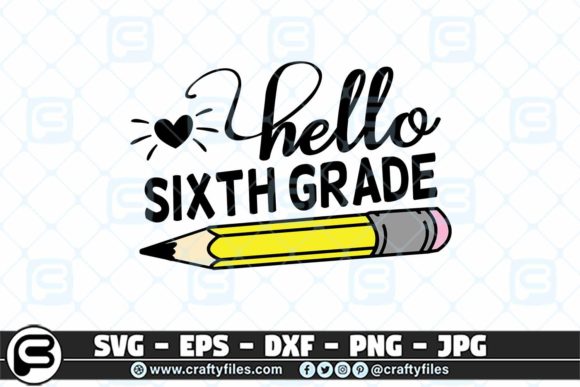
207-8 Back to School Hello 6th Grade
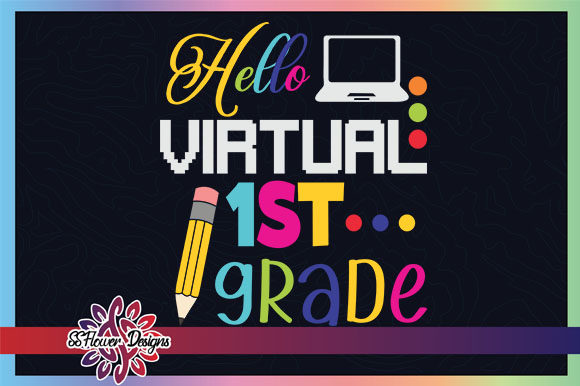
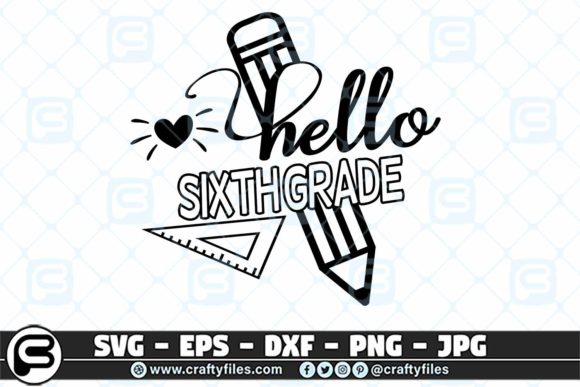
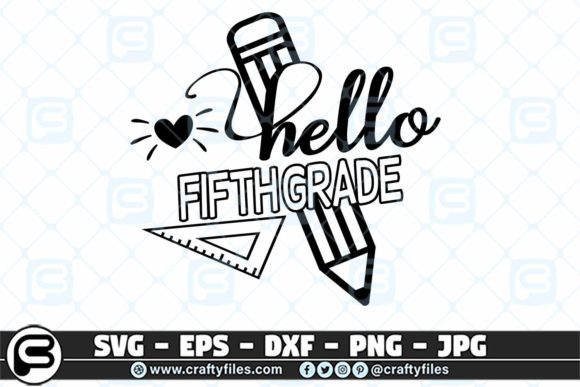
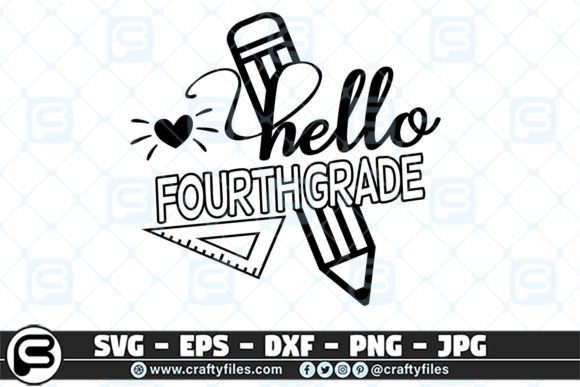
The transition from elementary to middle school is a milestone, and 207-8 Back to School Hello 6th Grade captures that moment in a clean, ready-to-cut design. This digital artwork set includes SVG, EPS, PNG, DXF, and JPG files—optimized for Cricut, Silhouette, and other cutting machines. But the collection goes beyond just sixth grade: it covers Pre-K through 7th grade, making it a versatile resource for anyone creating back-to-school projects.
Whether you are a parent crafting a first-day shirt, a teacher decorating a classroom, or a small business owner building a seasonal product line, these files offer a straightforward way to produce professional-looking results. The bundle includes five formats per design, so you can move seamlessly from digital mockup to physical cut. Because the files are delivered as a single ZIP folder with no physical items shipped, you have immediate access to start your project.
What Makes This SVG Bundle Stand Out
The headline design, Hello 6th Grade, is styled with a bold, friendly layout that works on apparel, signs, and accessories. But the grade-level flexibility is what makes this bundle especially useful. If you are working on projects for multiple children, a classroom, or a retail line, you have consistent artwork for every grade from Pre-K up through 7th.
Each file is prepared with clean vector paths, so the cutting lines stay sharp no matter how you scale the design. The 300 DPI PNG gives you a high-resolution preview and can be used for print-and-cut projects if your machine supports that. The EPS file is compatible with Adobe Illustrator and Corel Draw, while the DXF and SVG handle the needs of both hobbyist and professional cutting software.
Creative Applications for Different Audiences
One of the strongest aspects of this set is how it adapts to different creative goals. Here are three common use cases, each with a distinct approach.
For Parents and Gift-Givers
If you have a child moving to sixth grade, the Hello 6th Grade design is an obvious choice for a first-day-of-school shirt. Use iron-on vinyl cut from the SVG file and apply it to a solid-color tee. The simple, centered layout makes it quick to weed and press. You can also resize the design to fit a canvas tote bag for carrying lunch or books, or a small pouch for pencils. Because the set includes other grade levels, you can make matching shirts for siblings in different grades using the same style.
For Classroom Teachers
Teachers often need to label everything at the start of the year. The PNG file works well for printing sticker sheets that go on cubbies, folders, or welcome signs. If you have a cutting machine, use the SVG or DXF to cut adhesive vinyl for door decals or bulletin board headers. The consistent typography across grades means you can create a unified look for the whole hallway. A kindergarten door might say "Hello Kindergarten," while the sixth-grade door matches in design but reads "Hello 6th Grade."
For Small Business Owners and Etsy Sellers
Back-to-school season is a peak sales period for handmade items. This bundle lets you offer custom-grade shirts, mugs, or totes without designing each grade from scratch. Because the files are layered and editable in most vector software, you can change colors, add names, or combine elements from different grade designs. The EPS file is especially useful if you want to tweak the layout for a specific product format, such as a vertical design for a long-sleeve shirt or a horizontal layout for a canvas banner.
Practical Tips for Using the Files
Getting good results from cutting files depends on a few simple practices. Whether you are new to using SVG bundles or experienced, these reminders can help you avoid common mistakes.
- Check your software compatibility. Cricut Design Space works natively with SVG files, while Silhouette Studio prefers SVG or DXF. If you use a program like Inkscape or Adobe Illustrator, the EPS file gives you maximum editability. The ZIP folder includes all formats, so you can pick the right one for your workflow.
- Offset or weld overlapping elements. The design comes with clean, separate shapes. If you want to cut from a single piece of vinyl, use the weld function in your cutting software to join overlapping letters or shapes. This reduces the number of cut pieces you need to place.
- Test cut before committing. Back-to-school projects often involve multiple shirts or items. Cut a small test piece from scrap vinyl to confirm the pressure and blade depth are correct. This is especially important when scaling the design up or down significantly.
- Layer colors for depth. The design can be cut as a single color, but if you want a multi-color look, separate the layers in the SVG using color tags. For example, cut the greeting text in one color and the grade number in another. The PNG file can serve as a visual guide for where each piece goes.
- Use high-quality transfer tape. For vinyl applications, a medium-tack transfer tape works best. It holds the vinyl well when transferring to fabric or hard surfaces but releases cleanly without pulling up the design.
Expanding Beyond Apparel: Home and School Decor
The same SVG files can be used for projects that go beyond clothing. A popular approach is to create a back-to-school photo prop sign. Cut the design from large sheets of adhesive vinyl and apply it to a foam board or painted wood. You can even laminate the sign so it lasts for future years—just swap the grade number each season if you have the full set.
Another idea is to make personalized pencil holders or water bottles. The PNG file can be used with sublimation printing if you have the right equipment. For parents who want to create a "First Day of 6th Grade" banner, the SVG allows you to stretch the design across multiple panels. You could also print the PNG onto cardstock and frame it as a keepsake alongside a first-day photo.
Adapting the Design for Different Styles
While the original artwork has a clean, modern look, you can customize it to match a specific aesthetic. If you prefer a boho, rustic, or minimalist feel, use the EPS file to change the font or adjust the spacing. The thick, bold lettering in the original design makes it legible from a distance, but you can add small embellishments like stars, apples, or chalkboard textures as separate layers.
For a teacher's classroom, you might want a more playful look. Open the SVG in Design Space and add a simple doodle element from your own library. The dotted lines around the lettering can be turned into a cutting line or printed outline, depending on your project. Because the bundle covers Pre-K through 7th grade, you can create a complete set of classroom materials that share the same layout, reinforcing a consistent visual identity across the grade levels.
Maintaining Quality Across Different Mediums
The files are designed to be scalable and crisp, but results also depend on the material you choose. For adhesive vinyl, select a matte or gloss finish based on the surface. Fabric vinyl works better for t-shirts, while permanent vinyl suits water bottles or windows. If you are using the PNG for printed items, note that the 300 DPI resolution is high enough for small stickers and cards, but for large banners you may want to work from the vector files (SVG or EPS) to keep edges sharp.
When cutting intricate pieces, a fine-point blade and a standard-grip cutting mat produce the best detail. The design’s outlines are not overly detailed, which means even beginners can weed the pieces quickly. That simplicity is intentional: back-to-school projects are often produced in batches, and time savings matter when you are making several shirts or signs for a classroom.
Where to Use the 207-8 Back to School Hello 6th Grade Bundle
The practical applications extend far beyond the first day. Consider using these files for school fundraisers, spirit week events, or graduation promotions. The grade-level versatility means you can offer products that grow with the student. For a middle school PTA event, you might have a table with iron-on transfers for each grade, letting parents buy a shirt on the spot. The SVG files can be used with heat presses or home irons, making them accessible no matter your production setup.
If you run a print-on-demand store, the EPS file is ideal for uploading as a base design. You can create multiple variations for each grade and list them as separate products. The PNG file can be used for mockups, so your listings look professional. Because the design is straightforward, it often appeals to customers who want a clean, no-fuss back-to-school item rather than an overly decorated one.
Organization and Storage Tips for Digital Files
The bundle comes in one ZIP folder, so the first step is to extract it to a dedicated folder on your computer. Name the folder clearly, such as "Back to School SVG Bundle." Inside, keep the grade-level designs organized by file type or by grade. If you plan to reuse the files annually, store them in a cloud drive or external hard drive. Many users find it helpful to open each SVG once in their cutting software to verify that the paths are intact, then save a project file with their preferred colors and sizes set.
For repeated use, create a template in your cutting software that includes the design scaled to a common shirt size (for example, 5 inches wide for a youth medium). That way, you can quickly load the template and cut without adjusting dimensions each time. The set’s design is such that you can easily swap the grade text by editing the label, but since each grade is provided as a separate file, you don’t have to edit anything unless you want custom text.
Final Thoughts on This Back-to-School SVG Set
The 207-8 Back to School Hello 6th Grade bundle fills a specific niche: it provides high-quality, machine-ready cutting files that cover multiple grade levels with a consistent, attractive style. For anyone in the business of creating personalized school gear, or for a parent who wants to make that first day extra special, these files save design time and deliver professional results.
The collection’s inclusion of all major formats ensures it will work with your existing software and machine, whether you use a Cricut, Silhouette, or a laser cutter. By focusing on clear typography and simple but satisfying layouts, the designs remain effective for both small-scale home projects and larger production runs. As you plan your back-to-school creations, consider how the same basic design can be adapted for shirts, signs, bags, and even classroom decor—and enjoy the confidence that comes from using well-prepared, tested digital files.